
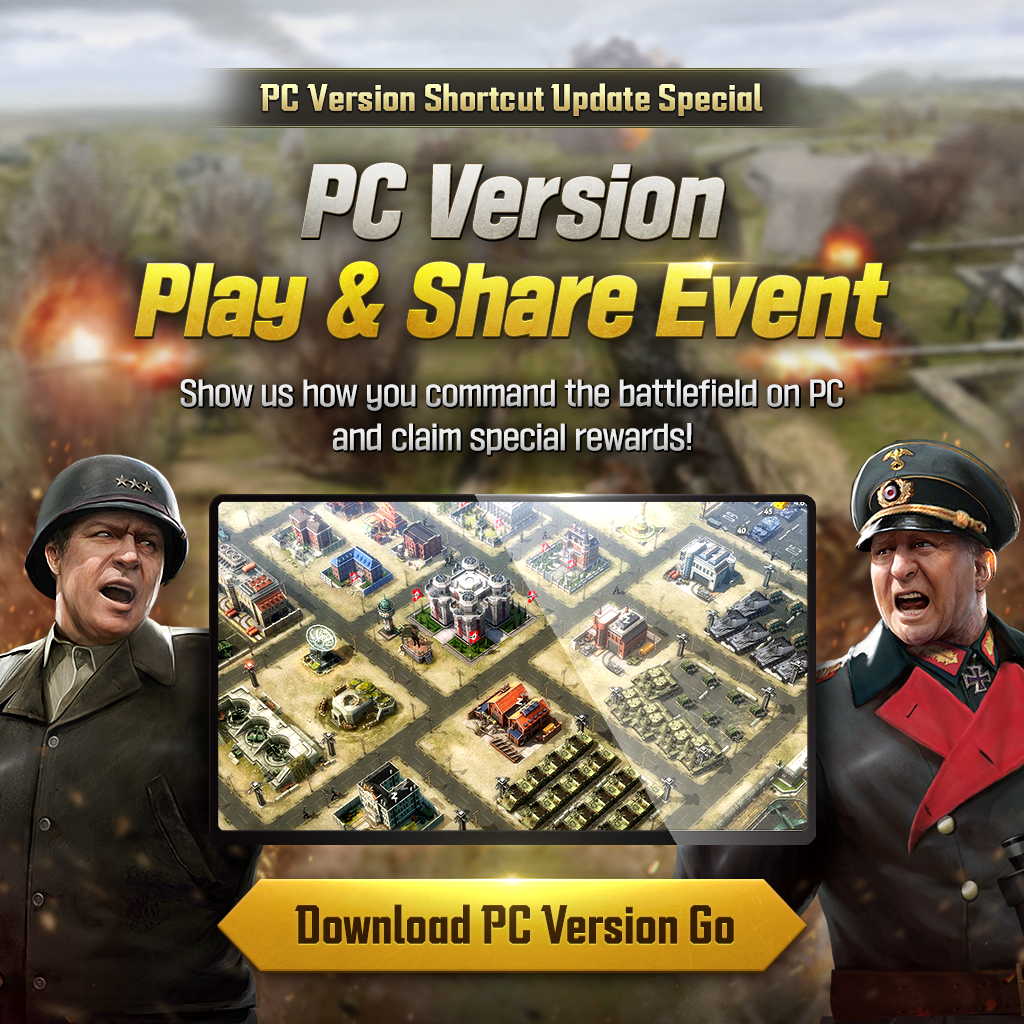
PC Version Play & Share Event
2026-06-23 01:00Hello Commanders.
The new Formation Preset hotkey feature has been added to the PC version of World War: Machines Conquest!
With faster and more convenient controls, the fun of commanding the battlefield has been upgraded even further.
What kind of battles are you leading on the PC version?
Share a screenshot of your PC version gameplay screen now, and we will send event rewards to Commanders who participate as a token of our appreciation.
In addition, 5 Commanders will be randomly chosen through a raffle to receive special rewards.
Log in to the PC version now and join the screenshot event!
* For more details on the Formation Preset hotkey feature for the PC version, please refer to the detailed update notice. [Go to Update Notice!]
■ PC Version Play & Share Event
Period
• June 23, 2026, 01:00 - June 30, 2026, 01:00 (UTC)
• June 22, 2026, 18:00 - June 29, 2026, 18:00 (PDT)
Details
Take a screenshot showing the Formation Preset hotkey feature being used while playing World War: Machines Conquest on the PC version, and post it on Discord!
How To Participate
1. Log in to World War: Machines Conquest using the PC version.
2. Use the Formation Preset hotkey feature and take a screenshot showing both the feature in use and your gameplay screen.
3. Upload your PC version gameplay screenshot to our official Discord to confirm your participation
Rewards
- Participation Rewards: Command Tank Supply Key x30, Aircraft Supply Key x30, and Premium Medal Box Key x30
- Raffle Reward (5 Commanders): Command Tank Selection Piece x100
Notes
- Please make sure to include your Commander Name when posting your screenshot on Discord. You may not be eligible for rewards if your Commander Name does not appear in your post.
- The rewards for this event can only be sent once per account, even if you participate multiple times.
- Participants who use another Commander’s screenshot may be excluded from the event.
- The event schedule and reward distribution schedule may be subject to change due to internal circumstances.
Access the official Discord server: [Here!]
Download the PC version of the game: [Here!]
Log in to the PC version now, experience more convenient battles, and join the event to claim your rewards!
Thank you.

 Back
Back


